In this guide本指南目录
Edge detection: Sobel & Canny边缘检测:Sobel 与 Canny Geometry: Delaunay & low poly几何:Delaunay 与低多边形 Color: quantization & median cut色彩:量化与中位切分 Texture: blur, grain & halftone纹理:模糊、颗粒与半调 The takeaway结论Edge detection: Sobel & Canny
Sobel measures how fast brightness changes at every pixel — mathematically, the gradient. Where the gradient is large, there's an edge. Our Pencil Sketch and Ink Outline tools build their lines from Sobel edges, then shape them with thresholds and softness.
Canny is the more refined cousin: it suppresses noise first, then keeps only the strongest edges as thin lines. Our Ink Outline approximates this behavior with smoothing plus a threshold.
Geometry: Delaunay & low poly
Delaunay triangulation connects a set of points into triangles such that no point lies inside another triangle's circumcircle. The payoff: the most balanced mesh possible — no slivers, no overlaps. We use it to rebuild photos as faceted low-poly art, sampling more points where edges are strong.
Low poly is the art style: hundreds of flat triangles, each filled with the average color of the photo beneath it.
Color: quantization & median cut
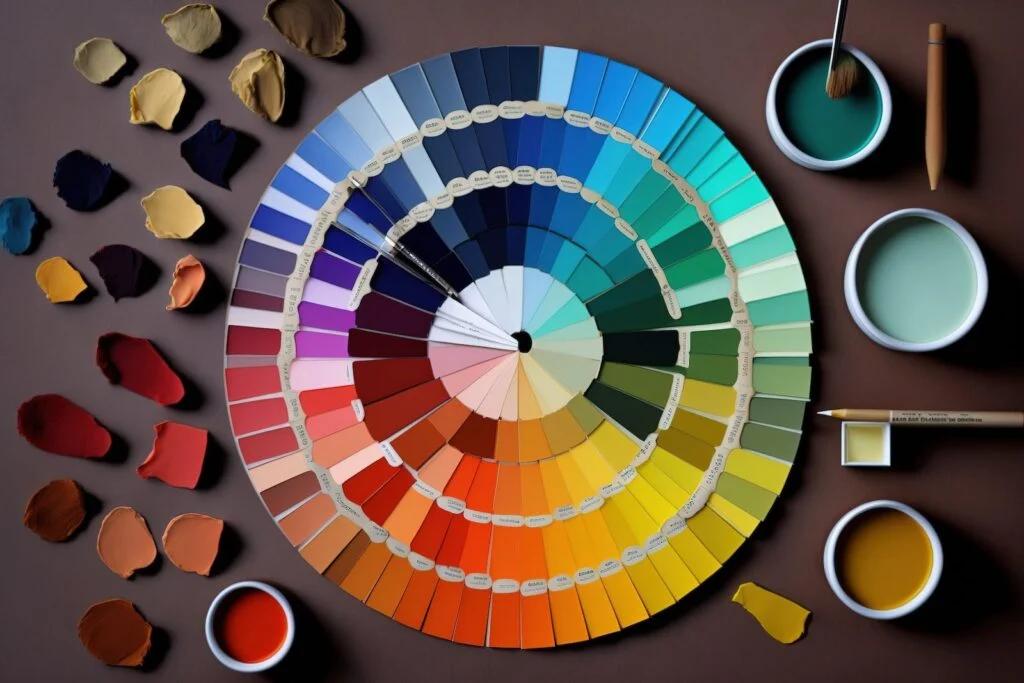
Quantization reduces the number of distinct colors. Posterize divides each channel into a fixed number of steps; Cartoon does the same and adds edges. The result is flat, graphic, 'printed' color.
Median cut is how our Color Palette tool finds dominant colors: it repeatedly splits the color space at the median until the target number of swatches is reached, then averages each bucket. Simple, fast, and reliably pleasing palettes.
Texture: blur, grain & halftone
Box blur averages each pixel with its neighbors — cheap and effective. Watercolor stacks several shifted box blurs to simulate pigment bleeding; Tilt-Shift applies a blur that fades with distance from a focus line.
Film grain adds random luminance noise; halftone converts brightness into dot size, exactly like newspaper printing; chromatic aberration (used in Glitch and VHS) offsets color channels to mimic lens and signal artifacts.
The takeaway
None of this requires a math degree to enjoy. The tools hide the algorithms and expose what matters: a slider for how strong, a slider for how soft, a button for random. Understanding the terms just makes you a better artist with them — you'll know why a low-poly face still looks like a face, and why raising the threshold cleans up an ink sketch.
And since everything runs locally, you can experiment with every parameter without cost or consequence — the fastest way to learn any of these concepts is to drag the sliders.
Histogram & tone mapping
A histogram is a bar chart of your photo's brightness distribution — how many pixels are dark, mid, and bright. Effects like Posterize and Duotone work by remapping these tones. Tone mapping is the general term for any remapping: push shadows darker, pull highlights brighter, or flatten everything. Understanding your histogram explains why a flat photo yields flat effects — garbage tonal range in, garbage tonal range out.
Sampling & resampling
Every effect that changes size — pixel art, low poly, mosaic — involves sampling: choosing which pixels survive when you shrink. Simple nearest-neighbor sampling keeps hard edges (perfect for pixel art); bilinear and bicubic interpolation smooth the result (better for watercolor and oil). When an effect looks unexpectedly sharp or soft, the resampling method is usually the quiet culprit.
Why it matters to you
You don't need to implement these algorithms — that's the tool's job. But knowing their names and behaviors turns slider-pushing into informed slider-pushing. When a client asks 'can you make it smoother?', you know whether to reach for softness, blur, or resampling. Vocabulary is leverage; the glossary is your vocabulary.
Frequently asked questions
Do I need to understand these terms to use the tools? No. Every effect works with plain-language sliders. The glossary exists so that when you want to go deeper — asking a client, searching for a tutorial, or explaining to a friend — you have the vocabulary.
What's the difference between a filter and an algorithm? An algorithm is the math that transforms pixels; a filter is the packaged result. Sobel is an algorithm; 'Pencil Sketch' is the filter that packages it with thresholds and softness into something usable.
Are these algorithms standard? Yes — Sobel, Delaunay, median cut and box blur are textbook techniques used across the industry. The tool's job is to combine them with sensible defaults and instant feedback.
Where can I learn more? The algorithms are taught in any computer-graphics course and documented widely online. But the fastest teacher remains this site: drag the sliders, watch what changes, and the terms start to mean something real.
边缘检测:Sobel 与 Canny
Sobel 测量每个像素处亮度变化的快慢——数学上叫梯度。梯度大处即为边缘。我们的铅笔素描与墨线描边工具正是用 Sobel 边缘构建线条,再用阈值与柔化塑形。
Canny 是更精细的近亲:先抑制噪点,再只保留最强的细线边缘。我们的墨线描边用「平滑+阈值」近似了这一行为。
几何:Delaunay 与低多边形
Delaunay 三角剖分把一组点连接成三角形,使任何点都不落在另一个三角形的外接圆内。好处:最均衡的网格——没有细条、没有重叠。我们用它在强边缘处采样更多点,把照片重建为切面化的低多边形艺术。
低多边形是艺术风格:数百个平面三角形,每个填充其下照片的平均色。
色彩:量化与中位切分
量化减少颜色的种类数。色调分离把每个通道分成固定步数;卡通效果做同样的事并叠加边缘。结果是扁平、图形化、「印刷感」的色彩。
中位切分是调色板提取工具寻找主色的方式:反复在颜色空间的中位数处切分,直到达到目标色板数量,再平均每个桶。简单、快速,且总能得到悦目的配色。
纹理:模糊、颗粒与半调
盒式模糊把每个像素与其邻域平均——廉价而有效。水彩叠加多个位移的盒式模糊来模拟颜料晕染;移轴效果应用随离对焦线距离衰减的模糊。
胶片颗粒添加随机亮度噪点;半调把亮度转换成网点大小,与报纸印刷完全一致;色差(用于故障与 VHS)偏移色彩通道,模仿镜头与信号伪影。
结论
享受这一切不需要数学学位。工具隐藏算法、暴露真正重要的东西:一个控制强度的滑块、一个控制柔和的滑块、一个随机按钮。理解术语只会让你用得更出色——你会知道为什么低多边形人脸依然像人脸,为什么提高阈值能让墨线稿更干净。
而且由于一切在本地运行,你可以零成本、零后果地试验每个参数——学习这些概念最快的方式就是拖动滑块。
Histogram & tone mapping
直方图是照片亮度分布的柱状图——多少像素是暗部、中间调、亮部。色调分离与双色调等效果靠重新映射这些色调工作。色调映射是任何重映射的统称:压暗阴影、提亮高光,或全部压平。理解直方图能解释为什么平淡照片出平淡效果——输入垃圾色调范围,输出垃圾色调范围。
Sampling & resampling
每个改变尺寸的效果——像素艺术、低多边形、马赛克——都涉及采样:缩小时选择哪些像素存活。简单的最近邻采样保留硬边(像素艺术绝配);双线性与双三次插值平滑结果(水彩与油画更合适)。当效果出人意料地锐或软时,重采样方法通常是那个安静的元凶。
Why it matters to you
你不需要实现这些算法——那是工具的事。但知道它们的名字与行为,能把盲拉滑块变成有依据的拉滑块。当客户问「能更平滑吗」,你知道该动柔化、模糊还是重采样。词汇就是杠杆;术语表就是你的词汇库。
Frequently asked questions
用这些工具需要懂这些术语吗?不需要。每个效果都有大白话滑块。术语表的存在是当你想深入时——向客户说明、搜索教程、向朋友解释——你有词汇可用。
滤镜和算法有什么区别?算法是变换像素的数学;滤镜是打包后的结果。Sobel 是算法;「铅笔素描」是用阈值与柔化把 Sobel 打包成可用工具的滤镜。
这些算法是标准吗?是——Sobel、Delaunay、中位切分与盒式模糊都是业界使用的教科书技术。工具的价值在于把它们与合理默认值和即时反馈组合起来。
去哪深入学?这些算法出现在任何计算机图形学课程里,网上资料也很多。但最快的老师仍是本站:拖滑块、看变化,术语就开始变得真实。
Ready to try it yourself?想亲手试试吗?
Open the tools and turn your own photos into art — free, private, unlimited.
打开工具,把自己的照片变成艺术品——免费、私密、不限次数。