In this guide本指南目录
What makes an effect spread什么让效果扩散 The effects that keep trending持续流行的效果 A 60-second content recipe60 秒内容配方 Timing & packaging时机与包装What makes an effect spread
Platform algorithms reward one metric above all: retention. An effect spreads when viewers can instantly see a dramatic before/after — no explanation needed. That's why photo effects travel so well: the transformation is the hook, and the hook is the whole video.
Three properties make an effect shareable: it must be visible (the change is obvious in one second), relatable (viewers want to try it on their own face or pet), and reactive (it invites comments — 'do my dog next!').
The effects that keep trending
Some aesthetics never really leave the trend cycle:
- Glitch / RGB split — the eternal Y2K-cyberpunk favorite, perfect for transitions and reveals.
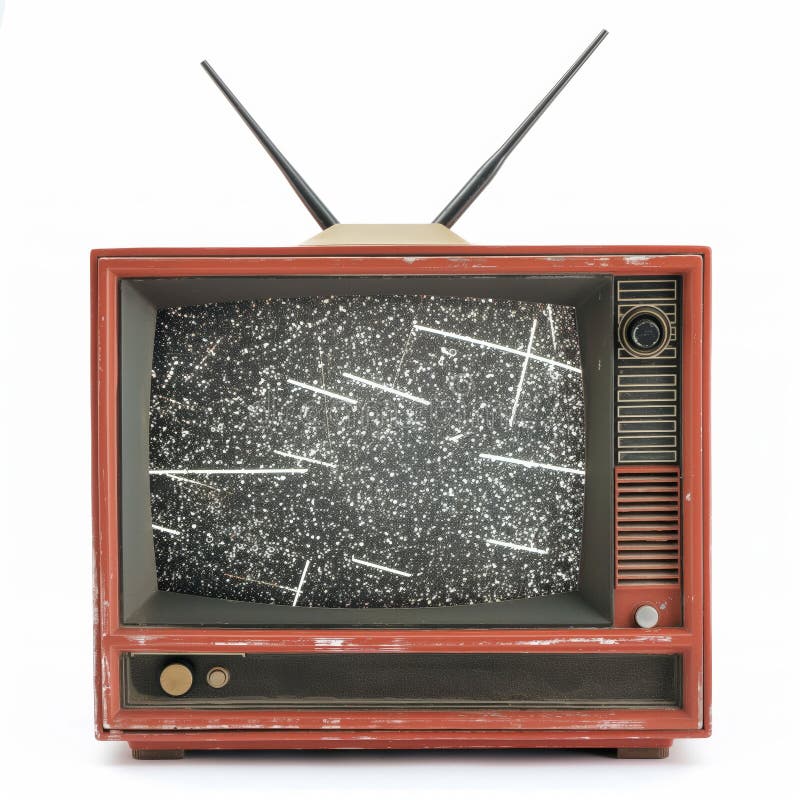
- VHS & retro scanlines — nostalgia content has a permanent audience, and the effect reads instantly.
- Pop art portraits — bold colors that stop the scroll on any feed.
- Sketch & pencil — 'before/after art reveal' videos consistently outperform plain edits.
Notice the pattern: the best effects change the photo dramatically, not subtly. A filter that barely alters the image has no hook.
A 60-second content recipe
1. Open the effect tool and upload a portrait or pet photo. 2. Drag the comparison slider slowly from left to right. 3. Add a caption with the effect name and 'try it on your photo'. 4. End with the result full-screen for two seconds. That's it — the algorithm does the rest.
Batch content: generate 3–5 variations with different effects (sketch, glitch, pop art) from one photo and post them as a series. Each post cross-promotes the others.
Timing & packaging
Trend-driven effects spike in waves. Post when your audience is active, but more importantly, post consistently — the compounding effect of a series beats any single lucky video. Put the effect name in the first line of the caption so search can find it, and pin a link to the free tool in your bio.
Creators who post effect reveals weekly build an audience that expects transformation content — and that audience becomes the traffic for your tools.
Platform-by-platform playbook
TikTok rewards the hook in the first second: open with the 'after' image, then reveal the 'before' via slider. Instagram favors polished grids: a 3×3 grid of nine different effects on one photo is a scroll-stopper. YouTube Shorts and Reels sit in between — a 15-second effect tutorial with captions outperforms silent transformations. Pinterest is the sleeper: effect results are exactly what people save to mood boards, so post each effect as a Pin with a link back.
Measuring what works
Track three numbers per post: save rate (the strongest signal that viewers want to recreate it), share rate (virality), and comment sentiment ('how do I do this?' is gold). When an effect outperforms, double down with a variant series — same effect, new subjects. When one underperforms, change the hook, not the effect.
Avoiding the cringe zone
Effect content turns cringe when the transformation is pointless — a random filter on a random photo with no reveal, no story, no payoff. Always ask: what is the viewer's takeaway? If the answer is 'an effect was applied', rethink. The winning formula is simple: a meaningful subject (a face, a pet, a memory) + a dramatic transformation + an invitation to try it yourself.
Frequently asked questions
How often should I post effect content? Consistency beats frequency. Three well-made posts a week outperform ten rushed ones. The compounding effect of a recognizable series — same style, same hook, new subjects — builds faster than any single viral hit.
Should I show my face? Not necessary. Effect content works with pets, food, cityscapes and objects. Faces help relatability but also raise the bar on quality — a botched portrait kills engagement. If you're starting out, pets and food are the friendliest subjects.
Do I need paid tools? No. Everything shown in these playbooks runs free and unlimited on this site, locally in your browser. The only things you need to invest in are a phone and consistent lighting.
How do I get people to the tool? Put the link in your bio, mention the tool by name in captions, and respond to 'how did you do this?' comments with a direct answer. Every answer is free advertising.
What about reposting others' effect trends? Trends are starting points, not templates. Take a trending effect and give it your twist — a new subject, a new combo, a different reveal. Copying a trend exactly adds nothing to it; iterating on it builds your own recognizable style.
什么让效果扩散
平台算法最奖励一个指标:留存。当观众能瞬间看到戏剧性的前后对比、无需任何解释时,效果就会扩散。这就是照片效果传播力强的根本原因:转变本身就是钩子,钩子就是整条视频。
可分享的效果有三个特征:可见(一秒内变化明显)、可共鸣(观众想在自己的脸上或宠物身上试试)、可互动(引发评论——「下一个做我的狗!」)。
持续流行的效果
有些美学从未真正离开趋势循环:
- 故障 / RGB 分离——永恒的 Y2K 赛博朋克最爱,天生适合转场与揭示。
- VHS 与复古扫描线——怀旧内容有永久受众,效果一眼可辨。
- 波普肖像——大胆配色在任何信息流都能刹住滑动。
- 素描与铅笔——「前后对比艺术揭示」视频始终比普通剪辑表现更好。
注意规律:最好的效果是戏剧性地改变照片,而非微妙修饰。几乎不改变画面的滤镜没有钩子。
60 秒内容配方
1. 打开效果工具,上传肖像或宠物照片。2. 缓慢左右拖动对比滑块。3. 配上效果名称与「试试你的照片」文案。4. 结尾让结果全屏停留两秒。就这些——剩下的交给算法。
批量内容:用一张照片生成 3–5 种不同效果(素描、故障、波普)做成系列发布。每条帖子都在为其他帖子导流。
时机与包装
趋势型效果呈波浪式爆发。在受众活跃时发布,但更重要的是持续发布——系列的复利效应胜过任何一条幸运爆款。把效果名放在文案第一行便于搜索,并在主页置顶免费工具链接。
每周发布效果揭示视频的创作者,会培养出期待「变身内容」的受众——而这群受众就是你工具的流量。
Platform-by-platform playbook
TikTok 奖励第一秒的钩子:以「效果后」开场,再用滑块揭示「效果前」。Instagram 偏爱精致的九宫格:一张照片九种效果排成 3×3 是刹停利器。YouTube Shorts 与 Reels 居中——15 秒带字幕的效果教程胜过无声变身。Pinterest 是沉睡者:效果图正是人们存进情绪板的东西,所以把每个效果发成带链接的 Pin。
Measuring what works
每条帖子追踪三个数字:收藏率(观众想复刻的最强信号)、分享率(病毒性)、评论情绪(「怎么做的?」就是金子)。当某个效果表现出色,用变体系列加码——同样效果、新主体。表现不佳时,改钩子而不是换效果。
Avoiding the cringe zone
当变身毫无意义——随机滤镜套随机照片,没有揭示、没有故事、没有回报——效果内容就进入尴尬区。永远自问:观众带走了什么?如果答案是「一个效果被应用了」,请重想。制胜公式很简单:有意义的对象(人脸、宠物、记忆)+戏剧性变身+邀请亲自尝试。
Frequently asked questions
多久发一次效果内容?一致性胜过频率。每周三条精制内容胜过十条仓促内容。可识别系列——同风格、同钩子、新主体——的复利效应,比任何单条爆款都快。
必须露脸吗?不必。效果内容用宠物、食物、城市与物件都能成立。人脸有助于共鸣,但也抬高质量门槛——一张失败的肖像会杀死互动。起步阶段,宠物与食物是最友好的主体。
需要付费工具吗?不需要。这套打法里展示的一切,本站都免费、无限、本地运行。你只需要一台手机与一致的光线。
怎么把人引到工具?主页放链接、文案中点名工具、用直接回答回应「怎么做的?」评论。每一次回答都是免费广告。
蹭别人的效果趋势呢?趋势是起点,不是模板。拿一个流行效果加上你的变奏——新主体、新组合、不同的揭示方式。照抄趋势不会给它增加任何东西;在它之上迭代才能建立你自己的可识别风格。
Ready to try it yourself?想亲手试试吗?
Open the tools and turn your own photos into art — free, private, unlimited.
打开工具,把自己的照片变成艺术品——免费、私密、不限次数。